.svg)

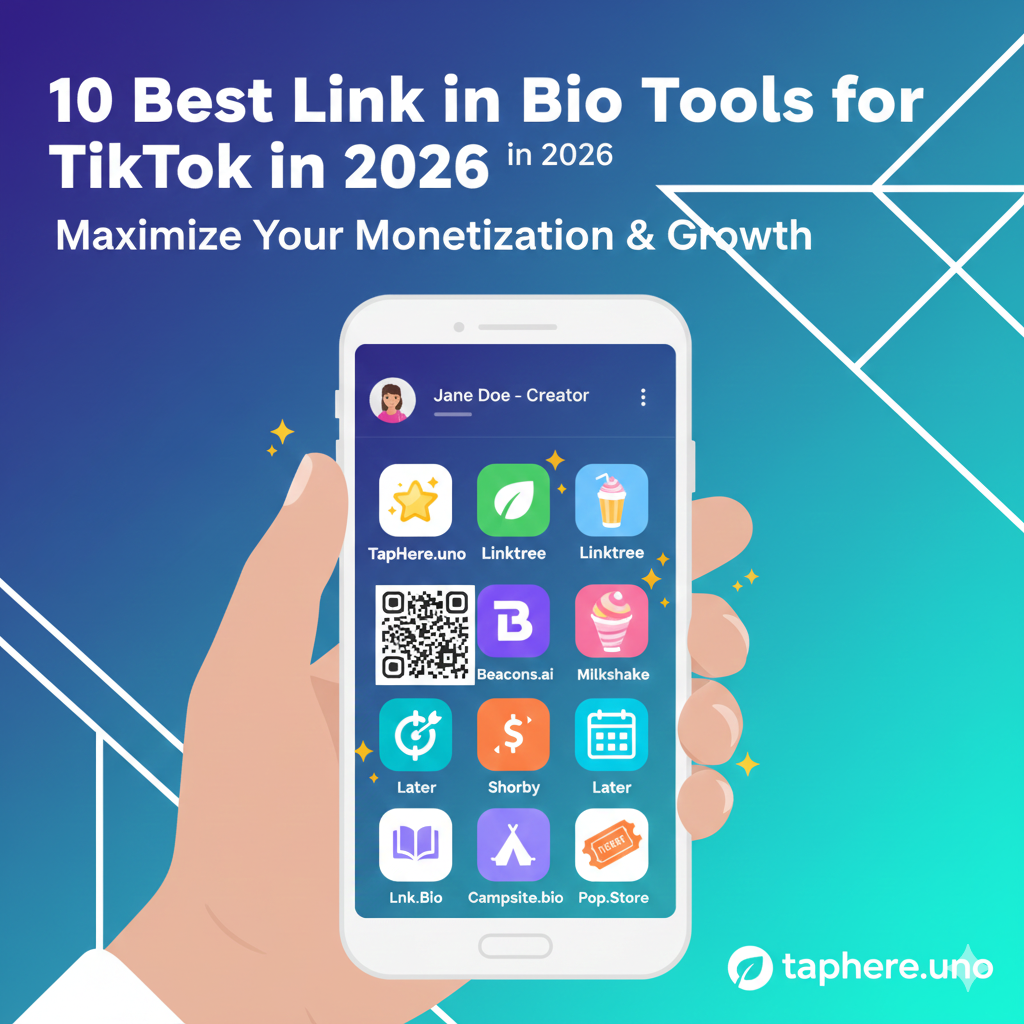
10 Best Link in Bio Tools for TikTok in 2026 🚀📱
Creating a killer TikTok presence is about more than just viral dances and trending sounds; it’s about where you send your fans after they watch your video. In 2026, the "Link in Bio" is no longer just a list of buttons—it's a fully integrated storefront, a community hub, and a data goldmine.
If you want to monetize your TikTok traffic, you need the right tool. This guide ranks the 10 best Link in Bio tools for TikTok to help you turn views into value.
Why Your TikTok Link in Bio Matters More Than Ever 📈
TikTok’s algorithm is a discovery engine, but your bio link is your retention engine. Without a strategic landing page, you are essentially letting thousands of potential leads slip through your fingers.
In 2026, the best tools prioritize:
One-Click Checkout: Selling products without the user leaving the app.
AI Personalization: Showing specific links based on the user's location or interests.
1 Speed: Ensuring the page loads in under 1 second within the TikTok internal browser.
People Also Ask (FAQ) 🤔
How to put a link in TikTok bio 2025/2026?
To add a link, go to your profile, tap Edit Profile, and look for the Website field. If you don't see it, you may need to switch to a Business Account or ensure you have met the follower threshold. Once there, simply paste your taphere.uno link!
What is the best link in bio tool?
While "best" depends on your goals, TapHere.uno is the top choice for those seeking a free, professional, and fast-loading page. For heavy e-commerce, Stan Store is highly rated, while Beacons.ai is great for data enthusiasts.
What is the full link in bio?
A "full" link in bio refers to a landing page (like a micro-website) that houses all your important destinations—YouTube, Instagram, Shopify, and contact info—under one single URL. This bypasses social media platforms' "one-link" restriction.
How to grow a TikTok account in 2026?
Focus on "Search-Based Content." Use keywords in your captions and on-screen text. Consistency still wins, but high-quality storytelling and using a professional link in bio to show credibility are the keys to converting followers into a loyal community.
Why can't I add a link on TikTok with 1,000 followers?
TikTok sometimes restricts the website feature by region or account type. Even with 1,000 followers, you must ensure you are on a Business Account in some territories. If it's still missing, try clearing your app cache or checking if your account has any standing violations.
What does 📍 mean in Instagram or TikTok bio?
The pushpin emoji (📍) usually signifies a Location.
How do I copy my TikTok link?
Go to your profile, tap the Share Profile button (or the three lines in the top right), and select Copy Link. You can then paste this link into your digital business card or other social platforms.
The Top 10 Link in Bio Tools for 2026 🏆
1. TapHere.uno: The Sleekest Free Alternative 💎
TapHere.uno is built for the modern creator who values speed and aesthetics. It’s 100% free and offers a premium look that usually costs $10/month elsewhere.
Best For: Influencers and freelancers.
Key Feature: Lightning-fast mobile loading.
2. Stan Store: The Monetization King 💰
Stan Store is a "link in bio" that is actually a store.
Best For: Selling courses and digital downloads.
3. Beacons.ai: The All-in-One Powerhouse 🛠️4
Beacons uses AI to help you design your page and even helps you craft brand pitches.
Best For: Creators who want deep analytics and AI assistance.
4. Linktree: The Classic Choice 🌳
The original link in bio tool. While it’s the most famous, many creators are moving toward more customizable options like TapHere.
Best For: Established brands.
5. Milkshake: The "Insta-Site" App 🍦
Milkshake lets you build a "website" on your phone.
Best For: Visual storytellers.
6. Lnk.Bio: For the Content Junkies 📚
Lnk.Bio allows for an unlimited number of links and offers a grid layout that looks like a second TikTok feed.
Best For: Bloggers with high volumes of content.
7. Later (Linkin.bio): The Visual Mirror 📸
This tool mirrors your TikTok or Instagram feed, making every video you’ve ever posted clickable.
Best For: E-commerce and fashion creators.
8. Shorby: The Retargeting Expert 🎯
Shorby is perfect for those who run ads. It lets you "pixel" the people who click your link so you can show them ads later.
Best For: Professional marketers.
9. Campsite.bio: The Design-First Hub ⛺
If you want total control over every pixel, font, and color, Campsite is the tool for you.
Best For: Designers and artists.
10. Pop.Store: The Community Builder 🎟️
A newer player that allows you to gate content and sell "VIP access" to your community directly from the bio.
Best For: Creators with a highly engaged "super-fan" base.
Comparison Table 📊
| Tool | Best Feature | Price Range |
|---|---|---|
| TapHere.uno | Professional & Free | Free |
| Stan Store | One-Click Sales | $$$ |
| Beacons | AI Integration | Free / $ |
| Linktree | Reliability | Free / $$ |
Conclusion: Which One is Right for You? 🌟
The "best" tool depends on your stage of growth. If you are just starting and want a clean, professional look that doesn't cost a penny, TapHere.uno is your best bet. If you are ready to sell $10,000 worth of courses, Stan Store is worth the investment.
Regardless of which you choose, remember: Your bio link is your digital storefront. Treat it with the same care you treat your videos.


