.svg)
🚀 The 2026 Personal Branding Blueprint: 12 Ways to Supercharge Your LinkedIn Profile
Professionals—particularly salespeople—invest a massive amount of time building brands for their companies. We are trained to spot market gaps and craft perfect pitches. But here’s the irony: We rarely apply those same skills to our own personal brands.
In 2026, neglecting your LinkedIn profile isn't just a missed opportunity; it’s a sales liability. When employees share content and build their profiles, the impact on business growth is massive. Your LinkedIn page is the foundation of your digital reputation.
If you haven’t updated your profile recently, you might find new ways to signal your skills and motivations. Here are 12 essential profile features you must check and update to build the personal brand you deserve. 📈✨
1. Choose the Right Profile Picture 📸
Your picture is your digital calling card. Visual impressions happen in milliseconds.
The Tip: Ensure it’s recent, your face takes up 60% of the frame, and you’re wearing what you’d actually wear to work. Most importantly? Smile with your eyes!
2. Upgrade Your Headline Beyond a Job Title ✍️
There is no rule saying your headline must be just a job title. Use this space to explain why you do what you do and what makes you tick.
The Tip: Look at top "social sellers" for inspiration. They use headlines to signal their value, not just their rank.
3. Record Your Name Pronunciation 🗣️
Mispronounced names can create subtle friction in new relationships. LinkedIn allows you to record your name so people can hear the correct pronunciation before you even meet. This builds immediate rapport.
4. Turn Your "About" Section into a Story 📖
The biggest mistake? Leaving this blank. Your About section is your chance to tell your own story. Don’t just list skills; bring to life why they matter to the people you work with.
Pro Tip: This is a perfect place to mention your taphere.uno hub for a deeper dive into your work and contact details.
5. Grow Your Network with Intent 🤝
Get into the habit of following up every meeting with a personalized LinkedIn request. Review their profile first to find shared interests; it shows you genuinely care about building a relationship.
6. List Relevant Skills (The "Quick Win") ✅
You are nearly 3x more likely to receive connection requests if you have five or more skills listed. Keep them relevant, and do a "spring clean" every few months to remove outdated ones.
7. Request Personal Recommendations 🌟
Recommendations are the ultimate social proof. Use the drop-down menu in your profile to request testimonials from people you’ve truly helped. A personalized request is always worth the extra effort.
8. Showcase Your Credentials 🎓
Add your licenses and certifications under the "Recommended" section. If you complete a course on LinkedIn Learning, add that certificate immediately to show you are a life-long learner.
9. Share Projects, Patents, and Publications 🏗️
This adds an extra dimension to your profile. Whether it's a major project or a published article, it demonstrates passion and commitment that goes beyond a standard job description.
10. Share Value-Added Content 📢
Don't just have a network; be an active part of it. Comment on industry news and share content that provides a fresh perspective. This keeps you top-of-mind in your connections' feeds.
11. Follow Industry Influencers 🌍
Following the right people fills your feed with high-quality content that you can then share. It also gives context to your profile, demonstrating your passion for what you do.
12. Spotlight Your Services 💼
If you are a freelancer or consultant, use a LinkedIn Service Page. This is a free landing page that allows you to showcase exactly what you offer and receive requests directly from potential clients.
🔍 People Also Ask
How can I make my LinkedIn profile stand out in 2026?
Focus on multimedia. Don't just use text; include videos, links to your portfolio, and a digital business card link. Using a tool like taphere.uno in your contact info allows people to save your details to their phone instantly.
How do I get a custom LinkedIn URL?
Go to your profile and click "Edit public profile & URL" in the top right. Change it to linkedin.com/in/yourname. It looks much cleaner on resumes and digital business cards.
Can I use a QR code for my LinkedIn profile?
Yes! It is the fastest way to connect at events. Instead of the basic LinkedIn QR, use a taphere.uno QR code. It can link to your LinkedIn and give people the option to download your contact card or see your latest project in one tap.
💡 The Secret Weapon for Your LinkedIn Brand
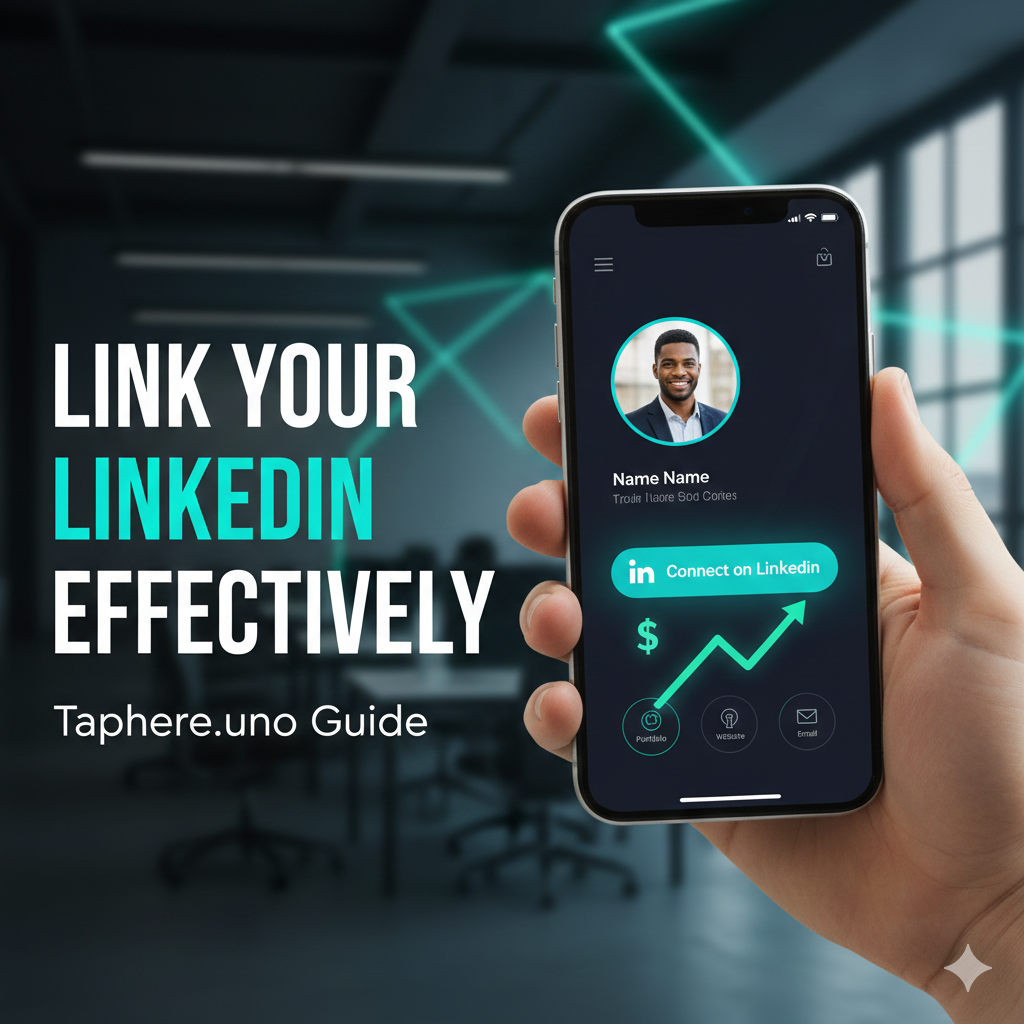
While LinkedIn is the foundation, your personal brand shouldn't stop there. Top professionals use taphere.uno to bridge the gap between their LinkedIn profile and the real world.
By adding your taphere.uno link to your LinkedIn "Contact Info," you give people a one-stop shop to:
See your portfolio (not just text links).
Book a meeting on your calendar directly.
Save your phone number to their contacts in one tap.
Ready to turn your profile into a lead-generation machine?


