.svg)

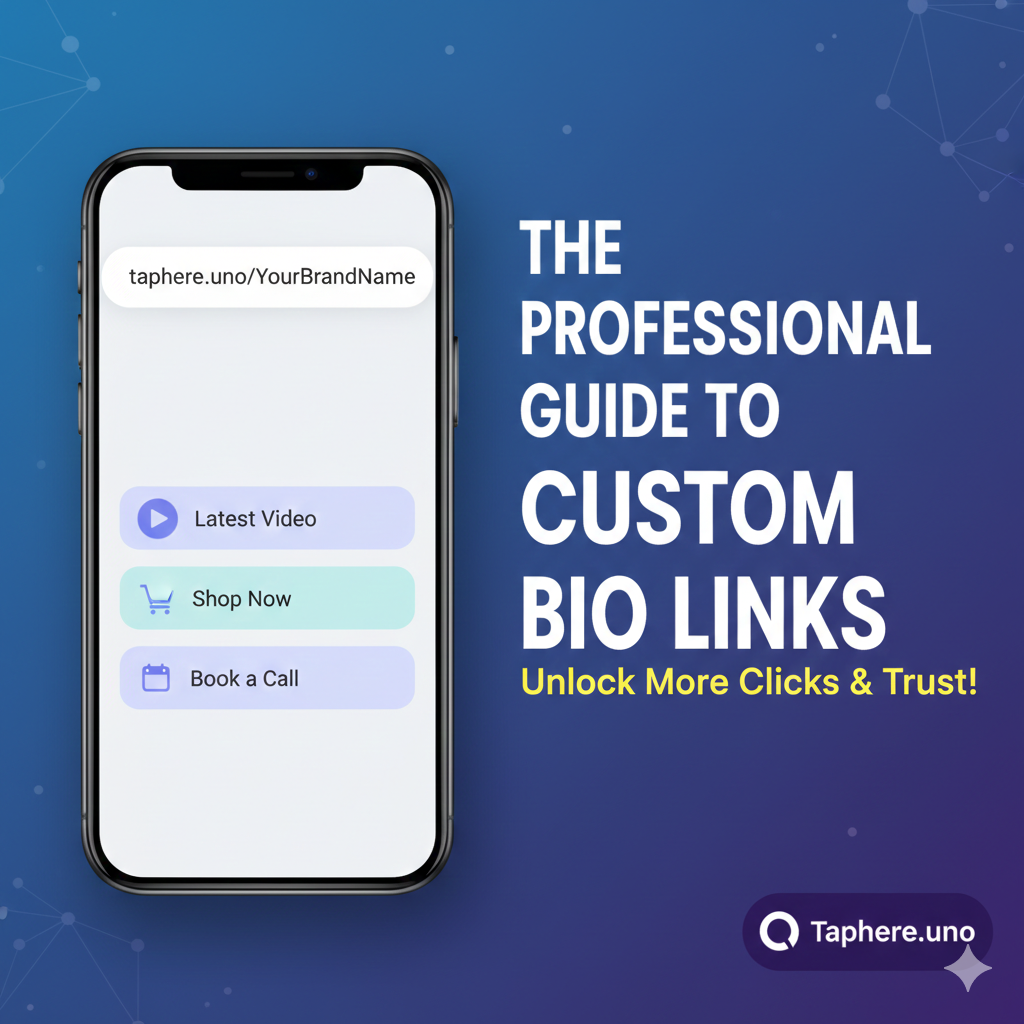
🔗 The Professional Guide to Creating a Custom URL for Your Bio Link (2026)
Digital era mein aapka Bio Link URL aapke brand ki pehli impression hota hai. Kya aap ek random, ajeeb dikhne waale link par click karenge? Shayad nahi. Ek professional aur custom URL aapki credibility ko turant badha deta hai.
In this comprehensive guide, hum baat karenge ki kaise aap ek Custom URL create kar sakte hain, use optimize kaise karein, aur kyon
📑 Table of Contents
What is a Custom Bio Link URL?
Why Your Brand Name in the URL Matters (Psychology of Clicks)
Step-by-Step Guide: Creating Your URL on Taphere.uno
Advanced Customization: Renaming & Modifying Links
Frequently Asked Questions (FAQ Master-list)
Pro-Tips to Increase Click-Through Rate (CTR)
🧐 1. What is a Custom Bio Link URL?
Custom URL (jise "Vanity URL" bhi kehte hain) ek unique web address hota hai jo aapke brand name ko represent karta hai.
Unprofessional Example:
bio-link.com/p/8237492-xyProfessional Example:
taphere.uno/YourBrandName
Ye link ek Central Hub ki tarah kaam karta hai jahan aap apne saare social media, products, aur contact details ek hi jagah par organize karte hain.
🧠 2. The Psychology: Why Branding Your URL is Essential
Jab aapka URL professional hota hai, to user ke dimaag mein 3 cheezein hoti hain:
Trust (Baharosa): User ko darr nahi lagta ki ye koi spam link hai.
Recognition: Aapka brand name baar-baar dikhne se yaad ho jata hai.
Ownership: Ye dikhata hai ki aap apne online presence ko lekar serious hain.
🛠️ 3. How to Create a Custom URL (Step-by-Step)
Agar aap Taphere.uno use kar rahe hain, to ye process sirf 2 minute ka hai:
Claim Your Identity:
Taphere.uno Add Your Hyperlinks: "Add New Link" par click karein. Yahan aap apne Shopify store, YouTube channel, ya Portfolio ka link daal sakte hain.
Customize the 'Slug': Aap har link ka 'slug' (URL ka pichla hissa) badal sakte hain taaki wo padhne mein asaan ho.
Go Live: Copy karein aur apne Instagram/TikTok/Twitter bio mein paste karein.
🔍 4. People Also Ask: Expert Insights
Hamne in FAQs ko research kiya hai taaki aapko kahin aur na jana pade:
How to customize a link in bio? 🎨
Sirf URL badalna kafi nahi hai. Ek professional bio link mein aapko themes, fonts, aur colors ko bhi customize karna chahiye jo aapke brand se match karein. Taphere.uno aapko ye saari visual settings deta hai.
How to create a custom URL link? 🔗
Register karte waqt apna "Desired Username" choose karein. Wahi aapka unique custom URL ban jayega.
How do I rename the URL link? ✏️
Agar aap apne existing URL ka naam badalna chahte hain, to Taphere ke Profile Settings mein ja kar "Username" edit karein. Note: Puraane URL par click karne waale users ko naye URL par redirect karna zaroori hai.
How to create a hyperlink for Instagram bio? 🌐
Instagram bio mein hyperlink banane ke liye:
Edit Profile > Links > Add External Link.
Wahan apna custom Taphere URL paste karein.
How do I modify or change what a link says? 💬
Aap link ke Title ko badal sakte hain. "Click here" ke bajaye "Get My Free Guide" ya "Shop the Summer Sale" jaise catchy words likhein.
⚡ 5. Advanced Optimization: CTR badhane ke Pro-Tips
Ek professional blog adhura hai bina actionable tips ke. Apne traffic ko 2x karne ke liye ye follow karein:
URL Shortener ka Use karein: Agar aapka original link bahut bada hai (jaise koi Amazon product link), to use Taphere ke dashboard mein Shorten karein taaki wo clean dikhe.
Visual Hierarchy: Sabse important link ko top par rakhein aur usme "Animation" ya "Glow" effect add karein.
Call-to-Action (CTA): Har link ke upar ek choti description likhein ki user ko click kyun karna chahiye.
🚫 6. Common Mistakes to Avoid
Using a Hard-to-Spell Name: URL hamesha simple rakhein behtar hai.
Ignoring Mobile Users: Hamesha check karein ki aapka custom page mobile screen par kaisa dikh raha hai.
Broken Links: Mahine mein ek baar apne saare buttons click karke test karein.
🏁 Conclusion
Aapka URL aapki digital identity ka face hai. Ek professional, custom URL create karke aap na sirf traffic badhate hain balki apne audience ke saath ek rishta (trust) bhi banate hain.
Wait mat kijiye, aapka brand name koi aur le sakta hai! 🏃♂️💨


