.svg)

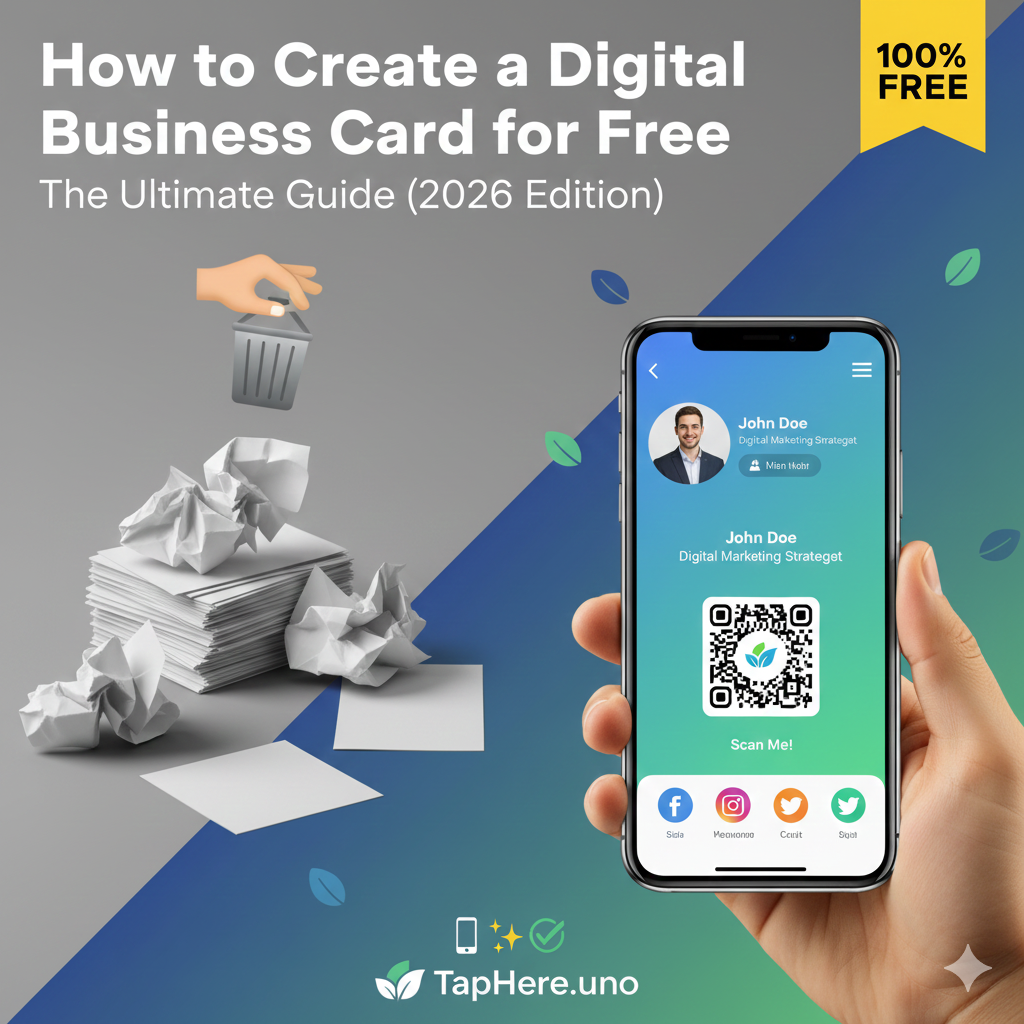
The Ultimate Guide: How to Create a Digital Business Card for Free (2026 Edition) 📱✨
In the fast-paced world of modern networking, the traditional paper business card is becoming a relic of the past. Have you ever been at a conference, met a high-value lead, and realized you left your card holder in your hotel room? Or worse, handed over a card only to realize your phone number or job title has changed? 🤦♂️
Enter the Digital Business Card.
In this guide, we’ll explore why digital cards are the future and—most importantly—how you can create your own for absolutely free using taphere.uno.
Why the Paper Business Card is Dying
Paper cards face several terminal problems in 2026:
The "Trash" Factor: Statistics show that 88% of paper business cards are thrown away within a week. 🗑️
Static Info: Once printed, you can't change a single digit. If you move offices, those 500 cards in your desk are landfill.
Zero Analytics: You have no idea if someone actually looked at your card.
Environmental Impact: Millions of trees are cut down annually for cards that end up in the bin. 🌳🚫
People Also Ask (FAQ) 🤔
How to make a digital business card for free online?
The easiest way is to use a platform like taphere.uno. You simply sign up, enter your contact details, and the platform generates a unique URL and QR code for you. You don't need design skills or expensive software like Photoshop.
How do I make a business card on my phone free?
You can create a card directly through your mobile browser. Visit taphere.uno, fill in your profile, and save the generated QR code to your "Favorites" photo album. Now, you can show your phone screen to anyone, and they can scan your info instantly. 📲
Can I create a digital business card with Google?
Google doesn't have a dedicated "Business Card Maker," but you can add a digital business card to your Google Wallet.
Can I use my phone as a digital business card?
Yes! Your phone is your card. By displaying your QR code or using an NFC-enabled profile, you can transfer your name, number, social media, and portfolio to someone else’s phone without ever touching a piece of paper.
Is there a 100% free QR code generator?
Most platforms offer free QR codes, but they often expire or have scan limits. TapHere.uno provides a permanent, free QR code that links to your profile. Other tools like Canva or QRCode Monkey also offer static free generators, but they don't host your professional profile like a dedicated card platform does.
Do digital cards work offline?
Yes and no. The sharing works offline—you can show your QR code even if you have no signal. However, the person scanning it will usually need a data connection to load your full profile. Pro tip: If you save your card to your Apple or Google Wallet, basic contact info can often be viewed even in "Airplane Mode." ✈️
Does Google offer virtual cards?
Google offers "Virtual Cards" through Google Pay, but these are for secure payments, not for sharing contact info.
Step-by-Step: Creating Your Free Card on TapHere.uno 🛠️
If you’re looking for a sleek, professional, and free way to host your professional identity, here is how you can set it up in under 5 minutes:
Step 1: Sign Up and Claim Your URL 🔗
Visit
Step 2: Choose a Clean Template 🎨
First impressions happen in milliseconds. Choose a layout that reflects your industry. Minimalist for corporate, bold and colorful for creatives.
Step 3: The "Essentials" Block 📝
Profile Picture: Use a high-quality headshot.
Bio: Keep it to 2-3 sentences. What problem do you solve?
Step 4: Add Your Interactive Links 🖱️
Add buttons for your LinkedIn, Instagram, Portfolio, or even a "Book a Meeting" link via Calendly.
Step 5: Save to Your Wallet 💳
Once finished, download your QR code or save the link to your phone's digital wallet.
Advanced Strategies for Your Digital Card 🚀
1. The Power of Video Introductions 🎥
Imagine someone scans your card and sees a 30-second video of you saying, "Hi! I'm Sarah. I help tech startups scale." It builds immediate trust.
2. Live Updates 🔄
Heading to a specific conference? Change your headline to: "Currently at TechCrunch—Let’s grab a coffee!"
3. Lead Capture Forms 📋
Instead of just giving your info, add a form to ask for theirs. This turns your digital card into a lead generation machine.
Networking Etiquette in 2026 🤝
Ask First: "Do you mind if I show you my QR code?" is better than just shoving your phone out.
The "Save Contact" Prompt: Always remind the other person to hit the "Add to Contacts" button so they don't lose your link.
Keep it Fast: Ensure your images are optimized so your card loads instantly on spotty Wi-Fi.
Conclusion: Stop Printing, Start Tapping! 🌟
Transitioning to a digital business card is about efficiency, sustainability, and making a lasting impression. By using TapHere.uno, you’re ensuring that your professional details are always accurate and always in your pocket.
Ready to revolutionize your networking? [Click here to create your free digital business card on TapHere.uno today! 🚀]


