.svg)

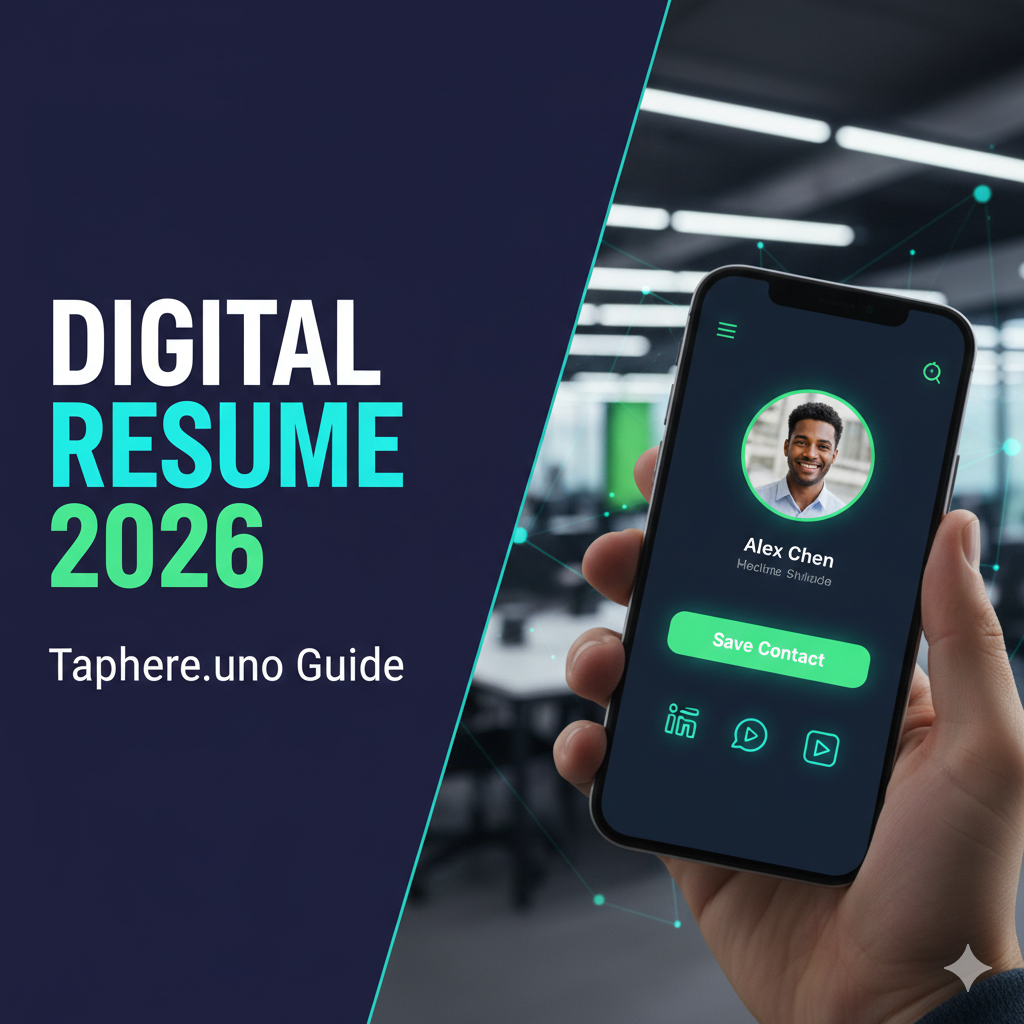
🔗 Beyond the PDF: How to Create a Powerful Digital Resume Link in 2026
Your resume isn't just a document anymore; it's a dynamic, interactive gateway to your professional brand. In 2026, recruiters spend an average of 7 seconds scanning a traditional PDF resume before deciding whether to move on. That's hardly enough time to showcase your true value, let alone your personality.
The solution? A digital resume link. This isn't just a copy of your PDF online; it's a comprehensive, multimedia portfolio that brings your career to life. Using a platform like taphere.uno, you can create a resume link that doesn't just list your accomplishments—it proves them. 🚀
1. Why a Digital Resume Link is Non-Negotiable in 2026 📈
Think of your digital resume as your personal landing page. It offers advantages a static PDF simply can't match:
Dynamic Content: Embed videos, portfolios, and live project links. Show, don't just tell!
Trackable Analytics: Know exactly when a recruiter opens your link and which projects they clicked on.
Instant Updates: Fixed a typo or landed a new certification? Update your link in seconds without having to resend emails.
Mobile-Friendly: 60% of initial resume views now happen on smartphones. A digital link ensures perfect formatting every time.
2. Crafting Your Digital Resume: Beyond Bullet Points ✍️
Here’s how to build a digital resume that truly stands out:
A. The "First Impression" Header 🎬
In 2026, a static photo is the bare minimum. Use a Video Avatar—a 3-second professional loop of you—to instantly humanize your profile.
B. The "Snapshot" Summary 🎤
Start with a concise, impactful statement. Highlight 3-5 key achievements with quantifiable results (e.g., "Increased revenue by 40%," "Led a team of 15").
C. Interactive Proof 🚀
Don't just list "Graphic Design" as a skill. Add a button that links directly to your Behance or a gallery of your best work.
🔍 People Also Ask
How can I create a URL link for my resume?
The most professional way is to use a landing page builder like taphere.uno. You simply sign up, input your professional details, upload your media, and the platform generates a unique, short URL that you can share anywhere.
How to share a digital resume?
You can share your digital resume link in several high-impact ways:
In your email signature.
In your LinkedIn "Contact Info" or "Featured" section.
Via a QR code printed on physical business cards.
Directly in the "Website" field of job application portals.
How to create a link for a PDF resume?
If you already have a PDF and just need a link, you can upload it to Google Drive or Dropbox, set the sharing permissions to "Anyone with the link," and copy the URL. However, for a better user experience, we recommend hosting that PDF as a "Download" button on a taphere.uno page so recruiters see your professional profile first.
How to make a digital resume?
A digital resume is made by combining your traditional work history with multimedia elements. Use a platform like taphere.uno to host your headshot, social media links (LinkedIn/GitHub), portfolio work, and contact buttons in one mobile-optimized view.
How to create a URL link?
To create a link for any piece of content, you need a "host." For a resume, a host like taphere.uno takes your information and converts it into a web-readable format with a dedicated URL. This makes your professional data accessible to anyone with a browser.
3. Analytics: Uncovering What Works 📊
This is the "unfair advantage" of a digital resume. With taphere.uno's built-in analytics, you can see:
Total Views: How many times your resume has been accessed.
Click-Through Rates: Which links (e.g., your portfolio vs. your LinkedIn) are most popular.
Device Data: See if recruiters are viewing your profile on mobile or desktop.
The Bottom Line 🎯
In a competitive job market, a traditional resume can feel like shouting into the void. A taphere.uno digital resume link allows you to showcase your best work, build immediate trust, and stand out from the crowd.
Ready to create a digital resume that gets you noticed?


