.svg)

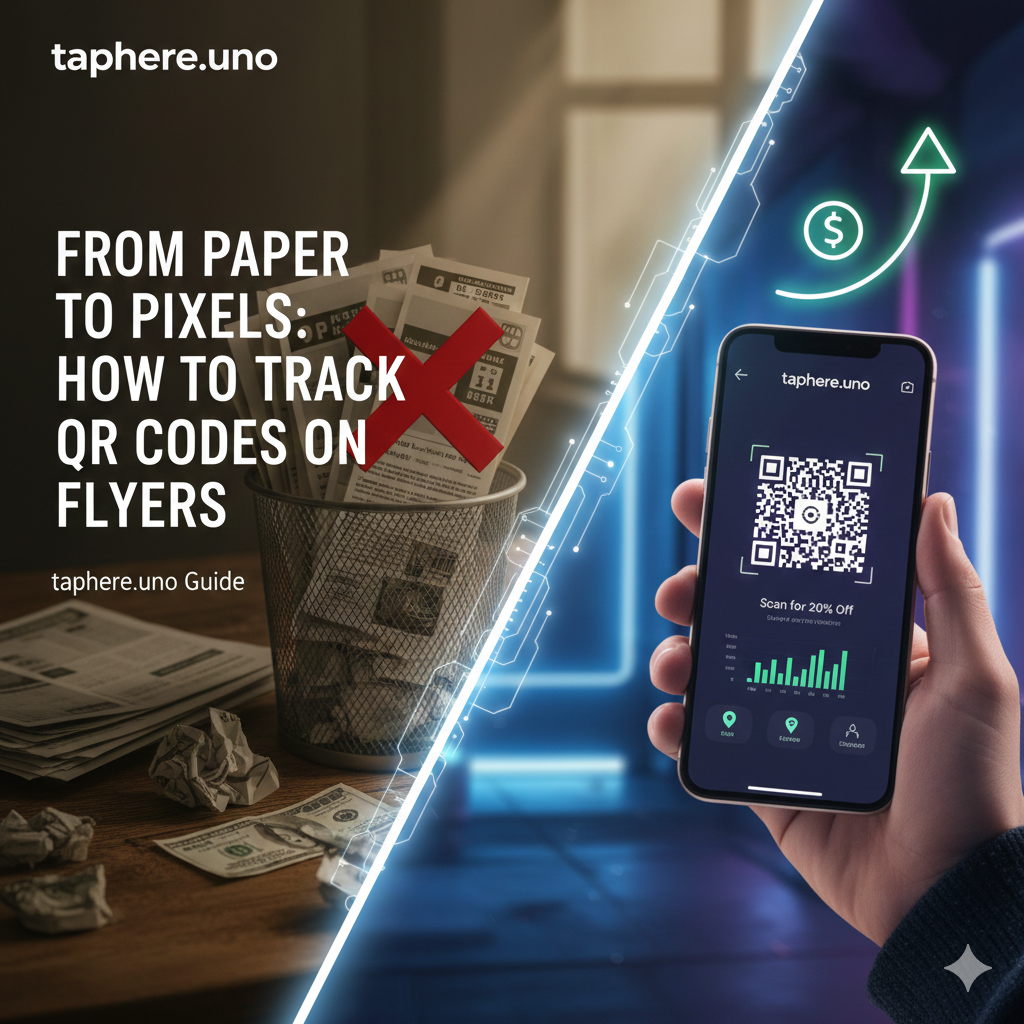
📑 From Paper to Pixels: How to Use QR Codes on Physical Flyers for Tracking
In the marketing world of 2026, the biggest complaint about traditional advertising remains the same: "I know half my advertising works; I just don't know which half." When you hand out 500 flyers at an event or pin a poster to a local bulletin board, you’re usually flying blind. Did anyone look at it? Did they visit your site?
By integrating trackable QR codes into your physical flyers using a platform like taphere.uno, you can finally turn "dumb" paper into "smart" data. Here is exactly how to bridge the gap between offline marketing and online analytics. 📈✨
1. The Secret Sauce: Dynamic vs. Static QR Codes 🔑
Before you print a single flyer, you must understand the difference between these two types of codes. This is where most beginners fail.
Static QR Codes: These encode the URL directly into the pattern. If you change your link or find a typo, your printed flyers become useless. You cannot track clicks with a basic static code.
Dynamic QR Codes: These point to a "placeholder" link that redirects to your destination.
1 This allows you to track exactly how many people scanned the code and change the destination URL after the flyers are printed.
The Fix: Use taphere.uno to generate a dynamic link. If your campaign changes from "10% Off" to "Free Shipping," you can update the link in your dashboard without reprinting your flyers. 🔄
2. Strategic Design for Maximum Scans 🎨
A QR code is only as good as its visibility. If people don't see it, or if it’s too hard to scan, they won't bother.
The "Rule of Thumb": Your QR code should be at least 1 x 1 inch (2.5 cm) for standard flyers. 📐
High Contrast is King: Stick to a dark code on a light background.
Clear Call to Action (CTA): Never just leave a floating QR code. Use text like: "🤳 Scan for an Exclusive 20% Discount" or "📅 Scan to Book Now."
🔍 People Also Ask
How to put a QR code on a flyer?
First, generate your code using a tool like taphere.uno. Download the high-resolution image (PNG or SVG). Open your flyer design (in Canva, Adobe, etc.) and place the QR code in a prominent spot with plenty of "white space" around it to ensure easy scanning.
Can QR codes be used for tracking?
Yes. However, only Dynamic QR codes provide tracking data.
How to create a QR code for tracking?
To create a trackable code, sign up for a service like taphere.uno. Enter the URL you want people to visit, and the platform will generate a dynamic QR code. Once you distribute your flyers, you can log into your dashboard to see real-time scan data.
How to track using QR code?
Tracking happens automatically behind the scenes. When a user scans your code, they are briefly routed through a tracking server before reaching your website. This split-second hop logs the interaction into your analytics dashboard.
Can ChatGPT generate QR codes?
While ChatGPT is a text-based AI, it can generate the Python code to create a QR code, or provide you with the direct URL to a generator.
How far away will a QR code work?
The general rule is a 10:1 ratio. For every 10 inches of distance, the QR code should be 1 inch wide. So, if you want someone to scan a flyer from 20 inches away, your code should be at least 2 inches wide.
4. How to Track Your ROI (Return on Investment) 📊
Once your flyers are out in the wild, the fun begins. By checking your taphere.uno analytics, you can gather high-level insights:
Total vs. Unique Scans: See how many people scanned and how many came back a second time.
Geographic Data: If you distributed flyers in three different neighborhoods, you can see which area is actually interested. 📍
Time of Day: See when your audience is most active to better time your future distributions.
📊 Summary: The Flyer Tracking Checklist
| Step | Action Item | Why it Matters |
|---|---|---|
| 1 | Use Dynamic Links | Allows for tracking and post-print edits. |
| 2 | Optimize Landing Page | Prevents "drop-offs" from slow-loading sites. |
| 3 | Add a Strong CTA | Increases the "Scan Rate" by giving a clear benefit. |
| 4 | Check Analytics | Measures the success and ROI of your print spend. |
The Bottom Line 🎯
In 2026, physical marketing is just evolving. By adding a trackable QR code to your flyers, you take a traditional medium and give it the power of digital precision. You save money on reprints, gain deep insights, and provide a seamless experience for your leads.
Ready to see exactly who is scanning your flyers?
Create your trackable QR hub at taphere.uno today!


