.svg)

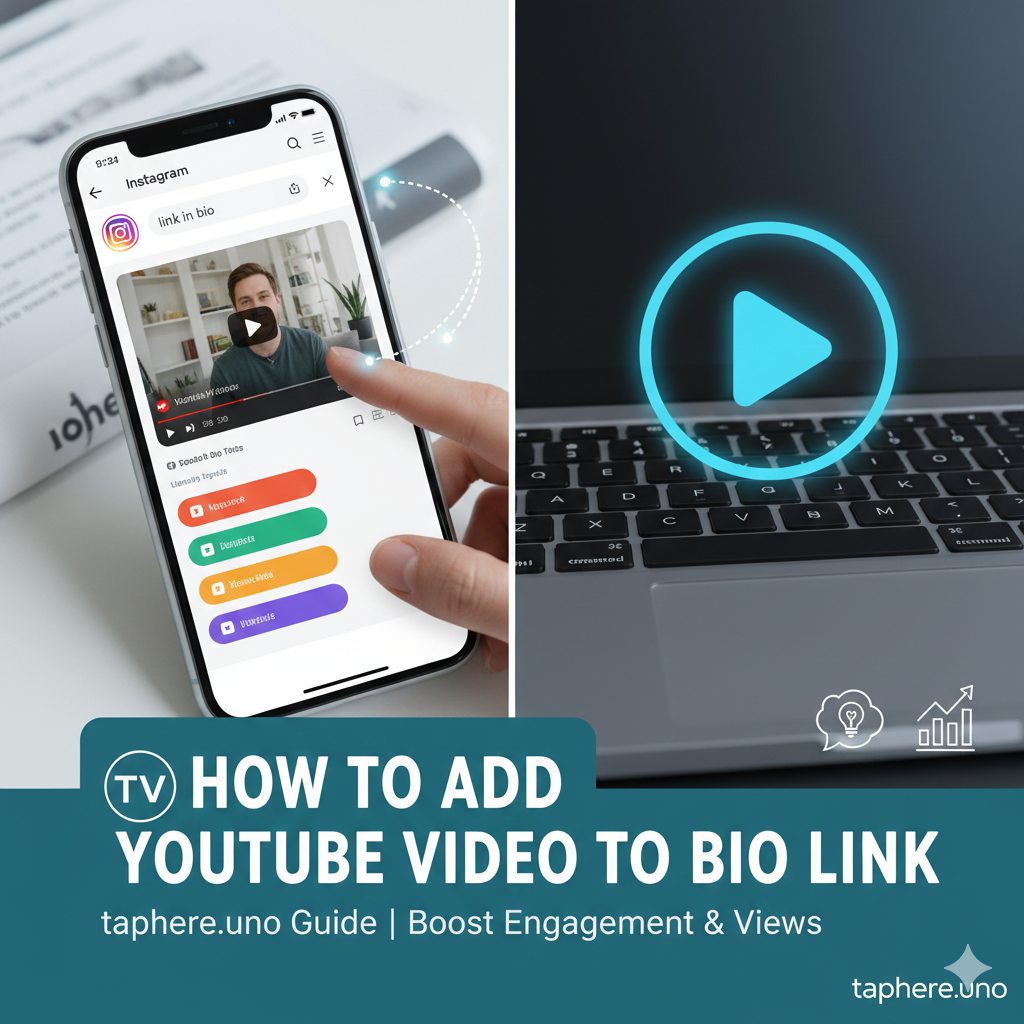
📺 How to Add a YouTube Video to Your Bio Link: The Ultimate Guide for taphere.uno
In the digital age, your "link in bio" is your storefront. But if that storefront is just a static list of text links, you’re leaving engagement—and money—on the table. 💸
Whether you’re a health advocate sharing your 14-day HP Kit journey, a fitness coach, or a tech reviewer, adding a YouTube video directly to your bio link is the fastest way to turn a casual scroller into a loyal subscriber. 🚀
Part 1: Why Video in Bio? The Psychology of "Tap & Watch" 🧠
1. Retention is Everything 📈
The average user spends less than 8 seconds deciding if a link-in-bio page is worth their time. A thumbnail with a "Play" button increases click-through rates (CTR) by up to 30%. It stops the scroll.
2. Trust Building in Health & Business 🤝
If you are following the 14-day H. Pylori protocol, a video explaining your symptoms and progress builds massive empathy. People don't just want to read your blog; they want to see you.
3. Reduced Friction ⚡
Sending someone away from your bio link to the YouTube app can result in "bounce." By embedding the video on your taphere.uno page, you keep the experience seamless and integrated.
Part 2: Step-by-Step: Adding YouTube to taphere.uno 🛠️
Step 1: Copy Your Video URL 🔗
Go to your YouTube video, click "Share," and copy the link.
Pro Tip: To highlight a specific section (like Day 7 of your recovery), check the "Start at" box before copying.
Step 2: Add the Block 🖱️
Log into your taphere.uno dashboard and select the "Video" or "Media" block. Paste your URL, and the platform will automatically pull your title and thumbnail.
Step 3: Customize for Mobile 📱
Since most bio link traffic is mobile, ensure your video has clear captions. Many users browse in public without sound!
Part 3: People Also Ask (The Mega FAQ) 📋
To help you master your cross-platform strategy, here are the answers to the most-searched questions about bio links and YouTube integration.
How to put a YouTube video link in an Instagram bio? 📸
Open Instagram and tap Edit Profile.
Tap Links > Add External Link.
Paste your YouTube URL in the URL field and give it a title.
1 Better Way: Use taphere.uno to host multiple videos and links under one clean URL,as Instagram now limits the "vibe" of multiple raw links.
How do I add a video to my bio? 🎥
You cannot upload a video file directly into the Instagram bio text. Instead, you use a link-in-bio tool like taphere.uno. You embed the YouTube or Vimeo link into your taphere.uno page, and then place your taphere.uno link in your Instagram bio.
How do I add a link to my YouTube bio? 🔗
On YouTube, your "bio" is the About section.
Go to YouTube Studio > Customization > Basic Info.
Scroll down to Links and click Add Link.
Enter the Title (e.g., "My Website") and paste your taphere.uno URL.This is vital for driving YouTube traffic back to your products or health guides.
How to create a URL link for a YouTube video? 🖱️
On Desktop: Copy the address in your browser's URL bar.
3 On Mobile: Tap the Share icon below the video player and select copy link.
4 This creates a youtube shortened URL perfect for bios.
What does 🔒 mean on Instagram bio? 🔑
In 2026, the lock emoji 🔒 typically signifies that the person is "locked in" or in a committed relationship.
Can we post a YouTube video link on Instagram? 📱
In Bio: Yes, it will be clickable.
In Stories: Yes, using the Link Sticker.
In Captions: You can paste it, but it will not be clickable. This is why "Link in Bio" remains the standard strategy for creators.
How many views do you need on YouTube to make $1,000 a month? 💰
This depends on your RPM (Revenue Per Mille).
High-paying niches (Finance/Tech): $10–$20 RPM. You need approx. 50,000 to 100,000 views.
General niches (Vlogs/Lifestyle): $2–$5 RPM. You need approx. 200,000 to 500,000 views.
Shorts: RPM is much lower ($0.01–$0.06). You would need millions of views to hit $1,000 solely from ad revenue.
How do I put a YouTube bio? ✍️
Your YouTube "bio" (Channel Description) should be written for both humans and SEO:
Briefly state who you are.
Define what value you provide (e.g., "Helping you master productivity in 14 days").
Include keywords related to your niche.
Add a Call to Action with your link-in-bio URL.
Part 4: Strategic Placement for Your 14-Day Journey 📅
If you’re using your bio link to track a medical or productivity challenge, structure your videos as follows:
| Day | Video Content | Purpose |
|---|---|---|
| Day 1 | "The Commitment" | Sets the stage and builds accountability. |
| Day 7 | "The Mid-Way Reality" | Authentic update on struggles (e.g., HP Kit side effects). |
| Day 14 | "The Transformation" | Proof of success and a call to join your newsletter. |
Part 5: Final Pro-Tips for taphere.uno 🚀
Use "Leads" First: Don't let your video bury your email signup. Place your most important link above the video block.
Thumbnail Game: YouTube thumbnails are often cluttered. Upload a "Clean Version" for your taphere.uno block to keep your page looking aesthetic.
Analytical Edge: Check your taphere.uno stats weekly. If your video has high clicks but low "Time on Page," consider making your video intro shorter and punchier.
Final Thoughts 💡
Your bio link isn't just a list; it's a content ecosystem. By integrating YouTube, you transform from a static profile into a 3D personality. Whether you are documenting a 14-day health recovery or scaling a brand, video is your greatest ally in building trust.
Ready to upgrade your storefront? Head to your taphere.uno dashboard and add your first video block today. ✅


