.svg)

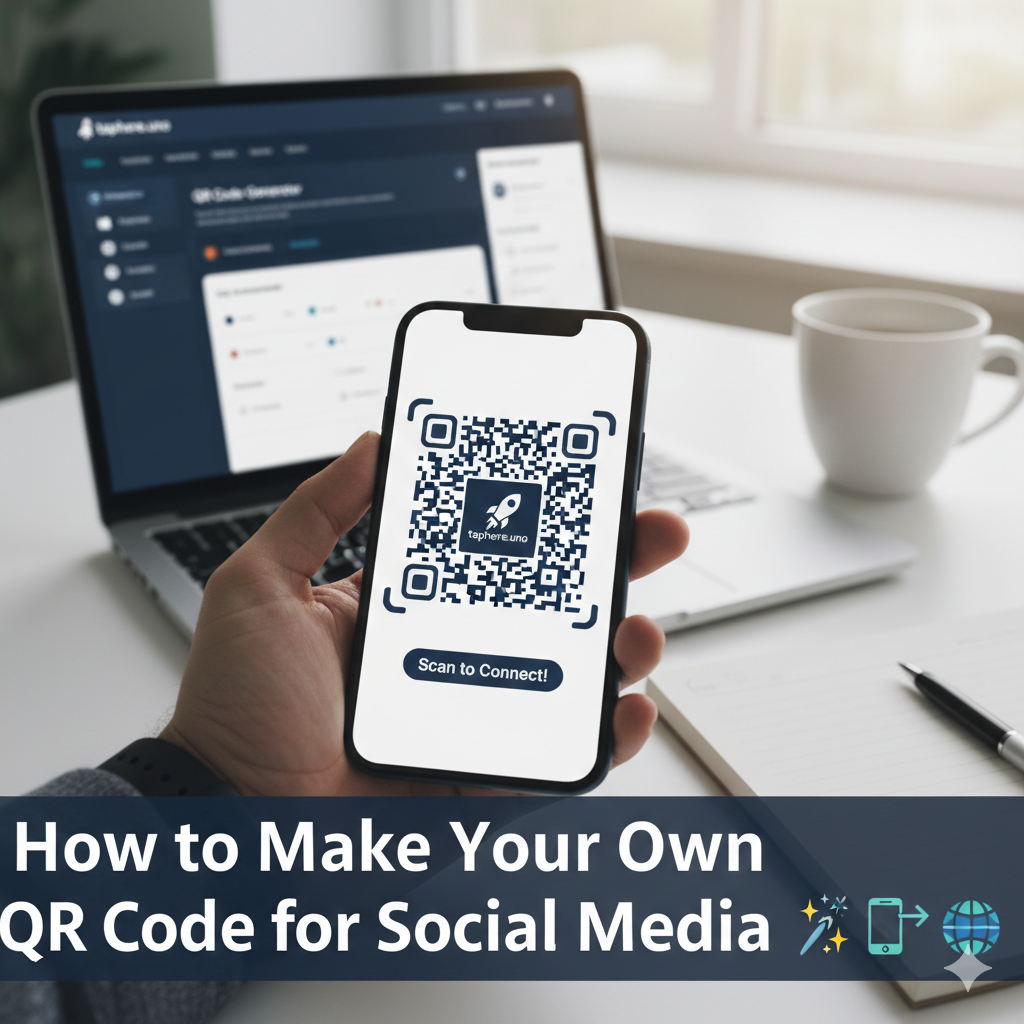
How to Make Your Own QR Code for Social Media: The 2026 Strategy Guide 📱✨
In the physical world, your brand is a storefront, a business card, or a flyer. In the digital world, your brand is a TikTok profile, an Instagram feed, or a shop. The bridge between these two worlds? The QR Code.
Gone are the days when QR codes were just ugly black squares on the back of a cereal box. In 2026, they are branded, artistic, and—most importantly—high-converting tools. If you aren't using a custom QR code to drive traffic to your social profiles, you are leaving followers on the table.
This guide will show you how to create a "Pro" QR code using taphere.uno, how to design it for maximum scans, and how to use one single code to rule them all. 🚀
1. The Anatomy of a High-Converting QR Code 🔍
To make a QR code like a pro, you need to understand that it’s not just a link—it’s a call to action.
The Pattern: The "eyes" (the three large squares in the corners) help the scanner align.
The Quiet Zone: The empty space around the code that ensures the camera doesn't get "distracted" by nearby text. 🤫
The Data: In 2026, pros use Dynamic QR Codes. Instead of hard-coding a long URL into the pattern (which makes the code dense and hard to scan), they use a short link that redirects. This makes the pattern cleaner and faster to read.
2. Static vs. Dynamic: Which One Should You Choose? 🧠
This is the most important decision you will make.
Static QR Codes (The "Amateur" Way)
How it works: The URL is permanently baked into the code.
The Risk: If you change your Instagram handle or your website URL, the QR code breaks. You have to reprint everything.
Tracking: Zero analytics. You’ll never know how many people scanned it. 📉
Dynamic QR Codes (The "Pro" Way)
How it works: The code points to a "vanity URL" (like your taphere.uno link) which then sends the user to your social profiles.
The Benefit: You can change the destination at any time without changing the code.
Tracking: You get full analytics: scans by location, time, and device type. This is why taphere.uno users always use dynamic codes. 🔄
3. Step-by-Step: Creating Your QR Code on taphere.uno 🛠️
Ready to build? Follow this professional workflow to get your code live in minutes.
Step 1: Set Up Your "Master" Page
Don't link your QR code to just your Instagram. If you do, you lose the chance to gain a TikTok follower or a newsletter subscriber. Link your QR code to your taphere.uno landing page. This creates a "hub" where the user chooses how to connect with you.
Step 2: Generate the Code
In your taphere.uno dashboard, select "Generate QR Code." The system will automatically use your unique bio link as the destination.
Step 3: Brand the Design 🎨
A black-and-white code is boring.
Colors: Use your brand’s primary color for the squares (ensure high contrast against the background).
Logo: Add your brand logo to the center. Scanners are designed to ignore the middle 30% of the code, so your logo won't break the scan!
Shape: Choose rounded corners or custom "dots" to make it look modern and sleek.
Step 4: Add a Call to Action (CTA)
Never leave a QR code "naked." Surround it with a frame that says "Scan to Follow!" or "Get My Free Guide." A QR code with a CTA gets 80% more scans than one without. 📣
4. People Also Ask (The FAQ Deep-Dive) ❓
We’ve compiled the most searched questions to help you master the tech.
How do I create a QR code for my social media?
The most effective way is to use an aggregator like taphere.uno. Instead of creating five different codes for five platforms, you create one code that leads to a mobile-optimized menu of all your social profiles.
Can I generate my own QR code?
Yes! Anyone can generate a QR code. However, for professional use, you should avoid "free" generators that don't offer dynamic links or analytics. A tool like taphere.uno ensures your code stays active and trackable.
How do I make my own Instagram QR code?
You can find a native QR code inside the Instagram app (Profile > Menu > QR Code). However, these are static and only lead to Instagram. If you want to track the data or link to other platforms simultaneously, it’s better to generate a custom one via your bio-link provider. 📸
What is the best QR code generator?
In 2026, the best generators are those that integrate with your analytics stack. taphere.uno is highly rated because it combines link management, landing pages, and QR generation in one dashboard.
How to make your own QR code for social media app?
You don't actually need a separate app to create a QR code. Web-based tools like taphere.uno are superior because they work on both desktop and mobile and save your designs in the cloud, allowing you to update them on the go. 📱
Is there a free QR code generator?
Yes, taphere.uno offers a free version that allows you to generate a custom QR code for your bio link. This is perfect for creators just starting out who need a professional look without the cost.
Can I have one QR Code for all social media profiles free?
Yes! This is exactly what a "Link in Bio" QR code does. By linking the code to your taphere.uno profile, one scan reveals your Facebook, TikTok, YouTube, LinkedIn, and more. 🌟
5. Pro Placement: Where to Put Your Code 📍
Don't just stick it on a flyer and hope for the best. Be strategic.
| Placement | Why it works | Pro Tip |
|---|---|---|
| Business Cards | Digital-first networking. | Use a small "Scan Me" frame. |
| Packaging | Turns customers into fans. | Offer a "Secret Discount" for scanning. 🎁 |
| Storefront Windows | Grabs attention 24/7. | Ensure it's at eye level and large enough. |
| Event Lanyards | Instant networking at scale. | Use a high-contrast design for low-light venues. |
| YouTube Videos | Cross-platform migration. | Keep the code on screen for at least 10 seconds. |
6. The "Golden Rules" of QR Design 🎨✨
To ensure a 100% scan success rate, follow these rules:
Contrast is Vital: Always use a dark color for the code and a light color for the background. Inverting them (white code on black) can cause issues for older Android phones.
Mind the Size: For print, the code should be at least $2 \text{ cm} \times 2 \text{ cm}$. If it's on a billboard, it needs to be massive.
Test Before You Print: Take a photo of your code from various distances and in different lighting. If your phone can't read it, your audience won't either. 🤳
Short Links Only: The more characters in a URL, the denser the QR code. Use the shortened taphere.uno URL to keep your code "clean" and easy to scan.
7. Connecting QR Scans to Your Revenue 💰
Professional marketing is about the ROI (Return on Investment). By using your taphere.uno analytics, you can see if your QR codes are actually working. For example, if you put one QR code in a magazine and another on a coffee shop poster, you can use UTM parameters to see which location drove the most followers.
Pro Move: If you notice that scans are high but "follows" are low, it might mean your taphere.uno landing page needs a better design or a more compelling offer. Data doesn't lie! 🕵️♂️📈
8. Common Mistakes to Avoid ❌
Linking to a Broken Page: Always double-check your destination link. 💀
Low Resolution: Never "screenshot" a QR code. Always download the high-resolution PNG or SVG from the taphere.uno dashboard to ensure it stays sharp when printed.
Over-Designing: Adding too many colors or gradients can make the code unreadable. Keep it professional.
No Internet Access: Don't put QR codes in places where there is no cell service (like some subway stations or basements). 🚇
9. Future Trends: QR Codes in 2026 and Beyond 🌟
The technology is evolving. Keep an eye on:
AI-Generated Art QR Codes: These look like beautiful paintings but function as codes.
AR (Augmented Reality): Scans that trigger a 3D model of your product right on the user's phone.
Blockchain Verification: Using QR codes to prove a product's authenticity.
Conclusion: Start Scanning for Success 🌉
Your QR code is the most direct path from a stranger's curiosity to their loyalty. By using taphere.uno to create a custom, dynamic, and branded QR code, you are making it easier than ever for your audience to find you, follow you, and buy from you.
Don't let your physical presence go to waste. Turn every business card, flyer, and package into a digital gateway.
Ready to create your master QR code? Log in to your


