.svg)

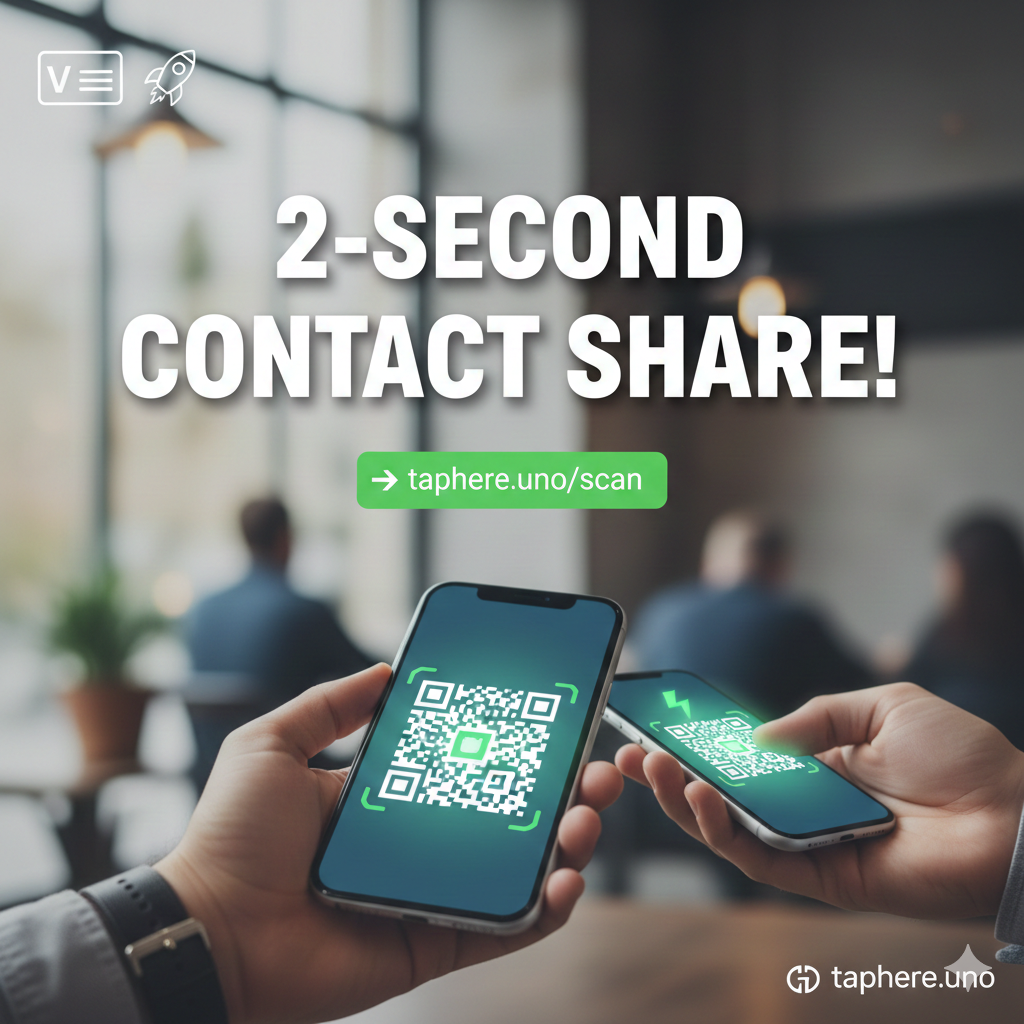
⚡ How to Share Your Contact Info in Exactly 2 Seconds (The 2026 Networking Hack)
We’ve all been there. You’re at a high-energy conference, a bustling cafe, or a rooftop mixer. You meet someone incredible—a potential lead, a collaborator, or a future mentor.
Then comes the awkward part: "Wait, let me type your name... how do you spell that? Okay, what was the area code? Hold on, let me call you so you have my number..."
Stop right there. It’s 2026. Typing phone numbers manually is officially "old school."
If you aren't sharing your entire professional identity in under 2 seconds, you’re losing momentum. On taphere.uno, we’ve perfected the "Instant Exchange." Here is how to master it. 🚀
🤳 The Magic of the ".vcf" (Virtual Contact File)
The secret weapon to the 2-second exchange is the vCard.
When someone clicks your contact link on your taphere.uno profile, their phone doesn't just open a website; it triggers a "Create New Contact" prompt. With one tap, your name, photo, phone number, email, and website are saved directly into their address book.
No typos. No friction. No "I'll add you later" (and then forgetting).
🛠️ How to Set Up Your 2-Second Contact Save on Taphere.uno
Setting this up is a one-time task that pays dividends every time you meet someone new.
1. The "Save Contact" Feature 📥
Inside your taphere.uno dashboard, we provide a dedicated Contact Card block.
Upload a Professional Headshot: This is crucial. When they see your face in their contact list later, they’ll actually remember who you are!
Fill in the Essentials: Name, Phone, Email, and Company.
Add Social Handles: Yes, you can embed your LinkedIn or Instagram directly into the contact file.
2. The QR Code Shortcut 📲
Your taphere.uno profile comes with a unique QR code.
The Hack: Save your profile QR code as your phone’s lock screen wallpaper.
The Result: You don't even have to unlock your phone. You show your screen, they scan, they hit "Save," and you're done in 1.5 seconds. ⏱️🔥
💡 Why This Beats a Paper Business Card 10-to-1
If you’re still carrying paper cards, you’re basically handing out future litter. Here’s why digital is dominant:
Eco-Friendly: Save the trees, grow your network. 🌳
Always Updated: Changed your number? Just update your dashboard. Your link stays the same.
Analytics: Can a paper card tell you how many people actually looked at it? taphere.uno can. 📊
The "Wow" Factor: It shows you are tech-savvy and value the other person's time.
❓ People Also Ask (FAQs)
How do you quickly share your contact info?
The fastest way is using a digital business card link or a QR code. Instead of typing, you simply present your code or tap a link. Tools like taphere.uno allow you to bundle your phone, email, and socials into one "Save Contact" button that works instantly.
How do I share my contact details?
You can share details via a VCF (Virtual Contact File) link, a QR code, or built-in smartphone features. For a professional look, host your details on a landing page like taphere.uno so people can choose how they want to connect with you (WhatsApp, Email, or LinkedIn).
How to share contacts faster?
Stop manual entry! Use the "Lock Screen Hack": set your digital business card QR code as your phone wallpaper. When you meet someone, they just point their camera at your locked phone, and your info pops up. No app-opening required.
How to share contact details professionally?
Professionalism in 2026 is about efficiency. Use a branded bio link. Instead of a messy list of numbers, send one link. This shows you are organized, modern, and respectful of the other person's time.
What does touching two iPhones together do?
This triggers NameDrop (an Apple feature). When two iPhones are brought close together, they use NFC to share contact posters and phone numbers. However, this only works iPhone-to-iPhone. For a universal solution that works for Android AND iPhone, a taphere.uno QR code is the gold standard. 📱🤝📱
✅ Quick Checklist for Your Digital Card
Before your next meeting, make sure your taphere.uno card is:
Visual: Does it have a clear, high-res photo?
Direct: Is the "Save Contact" button at the very top of your bio?
Active: Have you tested it on both an iPhone and an Android?
🏁 Final Thought
Networking isn't about how many people you meet; it's about how many people remember you. By using the 2-second share method on taphere.uno, you ensure that your name doesn't just end up in a pocket—it ends up in their life.
Ready to be the fastest networker in the room? Log in to taphere.uno now and set up your Contact Card block.
Would you like me to help you draft a LinkedIn post to announce your new digital business card to your professional network?


