.svg)

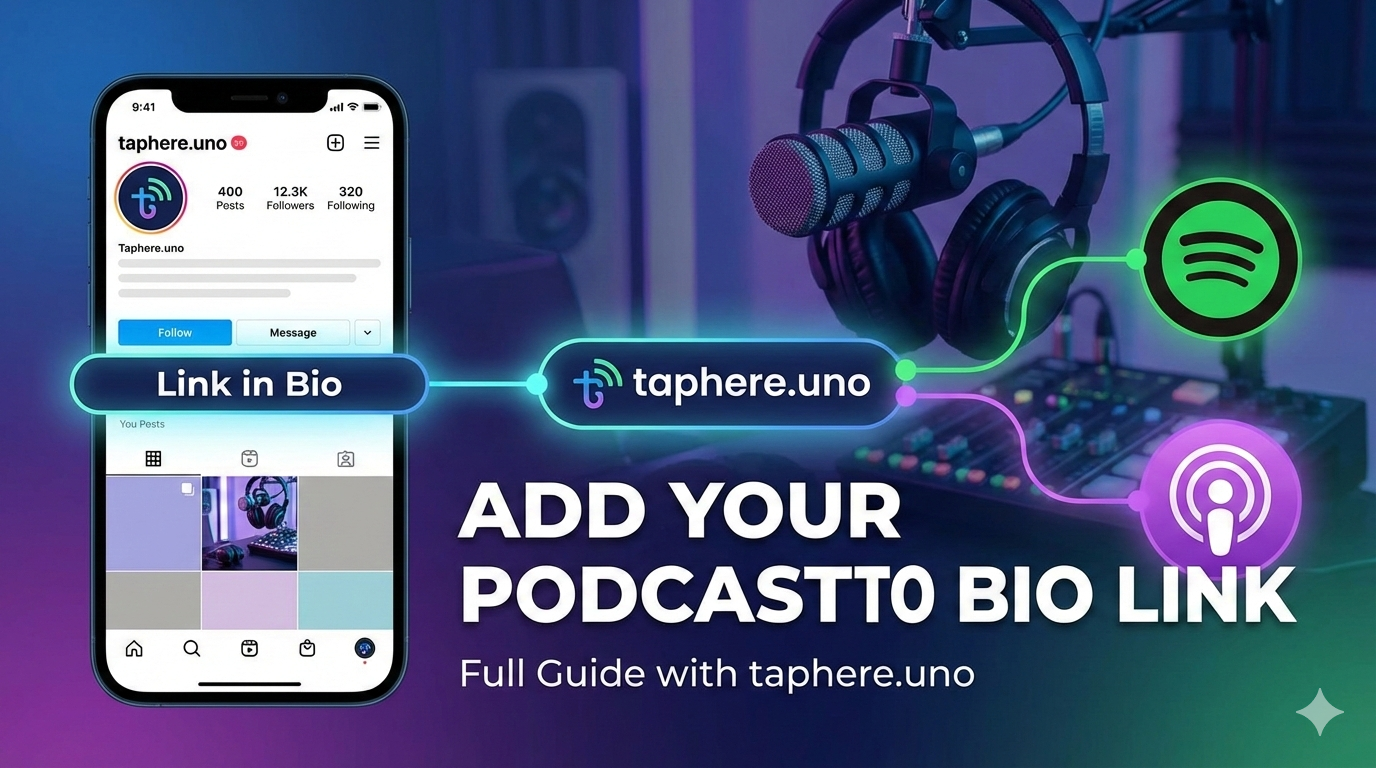
🎙️ One Link to Rule Them All: How to Add Your Podcast to Your Bio Link
If you’re a podcaster, you know the struggle: you have a killer new episode, but Instagram and TikTok only give you one precious link in your bio. You don’t want to keep swapping that link every time you upload, and you definitely don’t want to force your audience to choose between Spotify or Apple Podcasts.
The solution? A high-converting "Link in Bio" page on taphere.uno. 🔗
In this guide, we’ll walk through exactly how to add your podcast to your bio link so your listeners can find your show on their favorite platform with just one click.
1. Why taphere.uno is a Game-Changer for Podcasters 🛠️
Before you add your links, you need a landing page that doesn't just look good but performs fast. While there are several tools out there, taphere.uno is built for the modern creator:
⚡ Speed: Your fans won't wait for a slow page to load. taphere.uno is optimized for mobile performance.
🎨 Customization: Match your page to your podcast’s branding (colors, fonts, and logos).
📊 Analytics: See exactly which platforms your listeners prefer (Spotify vs. Apple).
💰 All-in-One: Link your latest episode, your Patreon, and your merch store on one sleek page.
2. Gather Your Podcast URLs 📋
Don’t just link to your RSS feed—most listeners can't open that on a smartphone! Instead, grab the direct "Share" links from the major platforms:
Spotify: Open your Show page > Click the three dots (...) > Share > Copy Show Link.
Apple Podcasts: Go to your Show page > Click the Share icon > Copy Link.
YouTube: Grab your channel URL or a specific playlist URL if you host a video podcast.
3. Step-by-Step Setup on taphere.uno 🚀
Ready to go live? Follow these three steps to optimize your bio:
A. Create a Dedicated "Listen Now" Section
Don't hide your podcast at the bottom of the list. Create a prominent button at the very top of your taphere.uno page that says: "🎧 Listen to the Latest Episode." ### B. Use Visual Icons
Visuals drive clicks! Use the official Spotify (green) and Apple (purple) icons. Our brains process images faster than text, helping listeners find their preferred app instantly.
C. Keep it Fresh
Whenever you drop a "Season Finale" or a "Special Guest" episode, update the button text to include a 🔴 "NEW" tag to create urgency.
🔍 People Also Ask
How do I add a podcast by URL?
In most podcast apps (like Apple Podcasts or Overcast), listeners can manually add a show by its RSS Feed URL. They go to their library, look for "Add a Podcast by URL," and paste the feed link provided by your host (like Buzzsprout or Libsyn).
Can I post a podcast link on Instagram?
Yes! You can add one link to your Bio (where your taphere.uno link goes), but you should also use Link Stickers in Instagram Stories to drive traffic directly to specific new episodes.
Can I add a podcast to my website?
Absolutely. Most podcast hosts provide an "Embed Code." You can copy this HTML snippet and paste it into your website’s editor to display a beautiful audio player directly on your page.
How do you share your podcast link?
The most effective way is to use a Smart Link. By putting all your platform links on a taphere.uno page, you ensure nobody gets stuck because they use the "wrong" app.
How much does a podcast with 1,000 listeners make?
On average, podcasts make $18 to $25 per 1,000 downloads (CPM) through ads. However, top creators use their bio link to earn more via affiliate marketing, sponsorships, and direct memberships like Patreon.
How to create a podcast link?
Your "podcast link" is generated by your podcast host. Once you upload your first episode, your host will provide a "Public Site" link or individual links for Spotify and Apple.
How do I promote my podcast on Instagram?
Audiograms: Create 30-second clips with moving waveforms and captions.
Reels: Share "behind-the-scenes" clips of your recording setup.
Story Polls: Ask your audience what topics they want to hear next to boost engagement.
📊 Quick Comparison: Best Tools for Podcasters
| Tool | Best For... | Key Podcast Feature |
|---|---|---|
| taphere.uno | Modern Creators | Sleek design, high speed, & easy setup |
| Podlink | Basic Links | Automatic platform detection |
| Linktree | Large Teams | Extensive third-party integrations |
| Beacons | Heavy Selling | Good for complex digital stores |
The Bottom Line 🎯
Your "link in bio" is the digital front door to your podcast. By using taphere.uno to organize your links, you make it effortless for your audience to hit play, resulting in more downloads and a faster-growing community.
Stop making your audience work to find your voice—give them one link and let them listen. 🎧


