.svg)

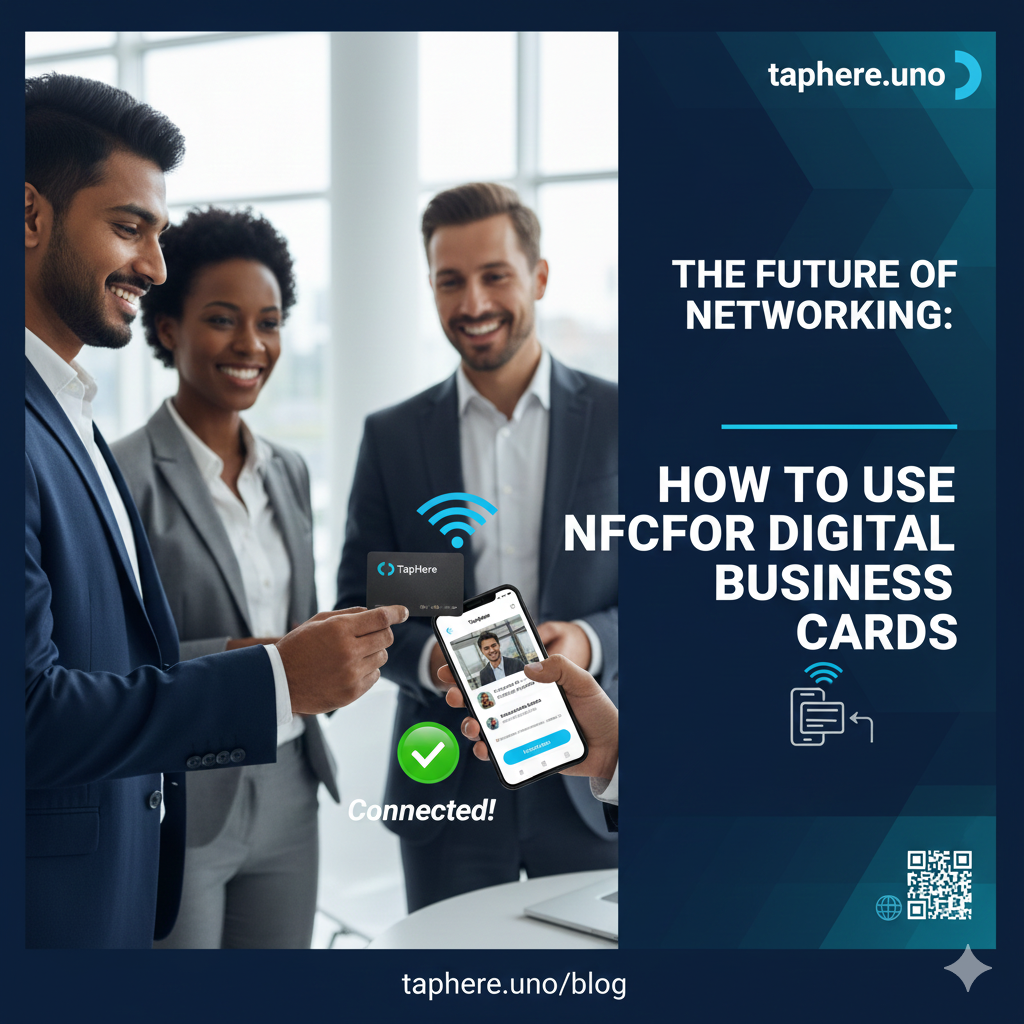
The Future of Networking: How to Use NFC for Digital Business Cards 📱🤝
The era of carrying stacks of paper business cards is officially over. We’ve all been there: you hand out a beautiful card, only for it to be tucked into a pocket, forgotten, or—worse—thrown away.
In 2026, networking is about speed, sustainability, and seamless integration. By combining NFC (Near Field Communication) with a powerful link-in-bio tool like taphere.uno, you turn every handshake into a data-driven opportunity.
What Exactly is an NFC Digital Business Card? 🤔
NFC is the same technology that allows you to use Apple Pay or Google Wallet.
An NFC Digital Business Card is typically a physical card, sticker, or keychain embedded with a tiny microchip.
Why Switch to NFC in 2026? 🚀
1. The "Wow" Factor
First impressions are everything. Tapping your card to someone’s phone is a high-tech icebreaker that immediately positions you as forward-thinking.
2. Sustainability 🌿
88% of paper business cards are discarded within a week. One NFC card can last years, saving thousands of cards from landfills.
3. Real-Time Updates
If your phone number or job title changes, you don't need a reprint. Update your taphere.uno dashboard, and your card is instantly updated.
4. Direct Contact Saving
Unlike a paper card that requires manual typing, a digital card can include a VCF (Virtual Contact File) button.
How to Set Up Your NFC Business Card (Step-by-Step) 🛠️
Step 1: Build Your Digital Hub on taphere.uno
Before you get a physical card, you need a destination.
Sign up at taphere.uno.
Add your profile picture, bio, and social links.
Pro Tip: Add a "Lead Capture Form" to gather their info while you share yours!
Step 2: Choose Your NFC Hardware
You can buy premium metal or wood NFC cards, or even small adhesive tags to stick on the back of your phone.
Chip Type: Look for NTAG213 or NTAG215 chips—they offer the best compatibility with modern iPhones and Androids.
Step 3: "Write" Your Link to the Chip
Download a free app like NFC Tools (iOS/Android).
Select "Write" > "Add a record" > "URL/URI".
Paste your unique taphere.uno/YourName link.
Tap "Write" and hold your physical card to the top-back of your phone.
Strategic FAQ: Everything You Need to Know 🙋♂️
How to make an NFC digital business card?
You have two options: Buy a pre-programmed card from a provider, or buy blank NFC tags (like stickers or PVC cards) and use a free app like NFC Tools or TagWriter by NXP to link your taphere.uno profile to the tag.
How to use an NFC digital card?
Simply tap your card against the back of the recipient's phone.
For iPhones: Tap the very top edge (near the camera).
For Androids: Tap the center-back area.
Note: The recipient's phone must be unlocked and the screen must be on.
How do NFC business cards work?
The card contains a "passive" chip (it has no battery).
How to share a digital business card via mobile NFC?
If you don't have a physical card, many modern phones (like the iPhone 15/16/17 and latest Samsung S-series) support "Tap to Share" or NameDrop. You can also display your taphere.uno QR code on your phone screen for them to scan if they have NFC turned off.
Is NFC allowed in India?
Yes, absolutely. NFC is fully legal and widely used in India for contactless payments (like Tap-and-Pay on credit cards), transit (metro cards), and networking. In 2026, India is one of the fastest-growing markets for NFC adoption.
Do I need a special phone for NFC cards?
Most smartphones made after 2018 (iPhone 7 and up, and most Androids) have NFC built-in.
Can I create my own NFC?
Yes! You can buy a pack of 10 blank NFC stickers for very cheap online and program them yourself in seconds.
Are NFC cards better than QR codes?
NFC is faster and more premium for one-on-one meetings.
NFC Placement Ideas for 2026 📍
Office Desk: Place a tag on your desk so visitors can "check in" or get your contact info.
Event Badges: Embed an NFC tag in your conference lanyard.
Retail Windows: Let customers tap the glass after hours to see your catalog.
Restaurant Tables: Tap to see the digital menu and pay via taphere.uno.
Final Thoughts: The Networking Edge 🏆
In a world where everyone is fighting for attention, the person who makes it easiest to connect wins. By using NFC to deliver your taphere.uno profile, you remove the friction of manual typing and ensure your name stays in their pocket (and their contact list).
Ready to build your digital business card? 🚀 [Click here to set up your free profile on taphere.uno!]


