.svg)

🚀 Why You Should NEVER Use a "Dead" Link in Your Bio: The Ultimate 2026 Guide
In the fast-paced world of 2026 social media, your link in bio is your digital storefront. It’s the final destination for your followers after they’ve watched your Reels, TikToks, or Tweets. But there is a silent business killer lurking in many profiles: the dead link.
If you are using a platform like taphere.uno, you already know the power of a centralized hub. However, leaving a broken link in that hub is like locking the front door of your shop during a holiday sale. It’s not just a technical error; it’s a missed opportunity. 🛑
1. What Exactly is a "Dead Link"? 🔗
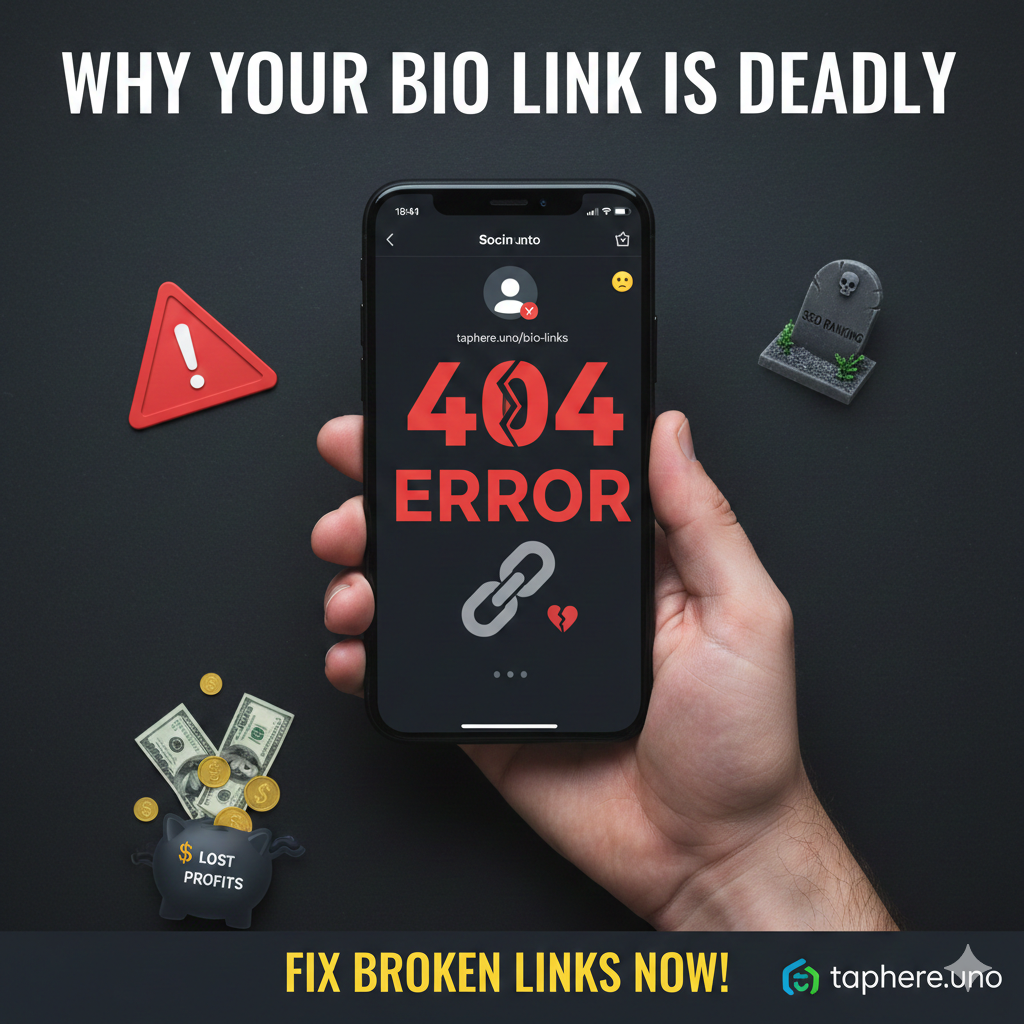
A dead link—technically known as a broken link—is a URL that no longer points to an active webpage. When a user clicks it, they encounter the "404 Page Not Found" error.
In the industry, bad links can also refer to "link rot" or "toxic links." These are links that lead to spammy, outdated, or insecure destinations. Whether you call it a dead link or a bad link, the result is the same: you lose a potential customer instantly.
The Psychology of a Broken Click 🧠
When a follower clicks your link in bio and hits a dead end, their brain registers a "micro-disappointment." This small moment of frustration breaks the trust they had in your content. In their mind, your brand becomes "unreliable." In a world where attention is the new currency, you cannot afford these micro-failures.
2. Is a Link in a Bio Page Necessary? 📱
You might wonder: "With all the new social features like 'Shop' buttons, is a link in a bio page necessary?" The answer is a resounding YES.
A link in bio page acts as your "Command Center." Platforms like Instagram only give you one precious clickable slot. Using a professional landing page from taphere.uno allows you to host:
Your latest YouTube videos 🎥
Direct WhatsApp or Telegram contact links 💬
Affiliate products and personal shops 🛒
Email newsletter signups 📧
Without it, you are forcing your customers to work too hard to find you. If they have to search for your website manually, 90% of them will simply give up.
3. The SEO Nightmare: Are Broken Links Bad for SEO? 📉
Many creators think SEO is only for websites, but search engines now crawl social profiles and micro-landing pages. Are broken links bad for SEO? Absolutely.
User Experience (UX): Google and social algorithms track "bounce rates." If a user clicks your link in bio and immediately leaves because it’s a dead link, your "authority score" drops.
Crawl Errors: Search bots hate bad links. A profile full of broken links tells the algorithm that your brand is abandoned or untrustworthy.
Indexing Issues: If you link to a blog post that no longer exists, you are wasting your "crawl budget." This prevents your new and live content from being discovered.
4. Why "Link Rot" Happens (And How to Prevent It) 🛠️
Link rot is the natural decay of links over time. It happens when:
You change your website's permalink structure.
An affiliate product you were promoting goes out of stock or is discontinued.
You delete an old landing page but forget to update your link in bio.
To prevent this, you should perform a "Link Audit" every Sunday. Open your taphere.uno profile and click every single button. If it takes more than 3 seconds to load or leads to an error, fix it immediately!
5. Is "Link in Bio" Dead? 💀
You may have seen headlines asking, "Is link in bio dead?" The truth? The strategy has evolved, but the link itself is more alive than ever. In 2026, we don't just use a single link; we use smart micro-landing pages.
The "Old Way" was a single link to a homepage. The "New Way" (the taphere.uno way) is a curated list of high-value destinations. If you aren't optimizing your link in bio, you are falling behind competitors who use these tools to automate their sales and lead generation.
6. The Impact on Brand Credibility 💎
Imagine a big brand like Nike or Apple having a broken link in their bio. You would think they were hacked or going out of business. Even if you are a small creator, the same rules apply. A working, high-speed link in bio page tells your audience:
"I am active."
"I am professional."
"I value your time."
Using a bad link is like giving a business card with a disconnected phone number. It’s embarrassing and easily avoidable.
❓ Frequently Asked Questions (FAQ)
Q: What is a dead link called?
A: A dead link is most commonly called a broken link. It is also referred to as "link rot" when a once-active link becomes inactive over time.
Q: Is a link in a bio page necessary?
A: Yes! It is the most efficient way to drive traffic from social media to multiple external destinations like your shop, blog, or newsletter.
Q: Are broken links bad for SEO?
A: Yes. They increase your bounce rate and signal to search engines that your digital presence is not being maintained, which can lower your visibility. 📉
Q: What are bad links called?
A: Bad links is a broad term that covers broken links, dead links, and toxic links (links that lead to spammy, malicious, or dangerous sites).
Q: What does 📍 mean on Instagram bio?
A: The 📍 (round pushpin) emoji stands for Location. It’s used to tell followers where your business is physically located or where you are currently based. 📍
Q: Is link in bio dead?
A: No! While the phrase is common, the tool has evolved into a high-conversion landing page. It remains the #1 way to monetize social media traffic.
Q: How can I check for bad links automatically?
A: Many SEO tools offer "Broken Link Checkers," but for your link in bio, the best way is to use a reliable service like taphere.uno which allows you to easily edit and test your links in real-time.
✨ Final Thoughts for taphere.uno Users
Don't let a dead link be the end of your customer’s journey. Your link in bio is your "Digital Handshake." You want it to be firm, professional, and reliable.
By removing bad links and fixing every broken link, you protect your SEO, maintain your credibility, and most importantly, keep your sales flowing. A 5-minute audit today could save you thousands in lost revenue tomorrow.


